Everything since 1.1.0, from 1.2.0 and 1.2.1. The web runtime has no breaking changes. Universal apps should read the upgrade guide before upgrading.
01 / Try it
Two commands for each platform.
npm run androidnpm run ios
npm run android:releasenpm run ios:release
Older apps keep buildApp:<platform> and build a release with npm run buildApp:<platform> -- --release. Full setup: Universal App Deployment and the upgrade guides from 1.1.x to 1.2.0 and 1.2.0 to 1.2.1.
02 / What's new
New since 1.1.0.
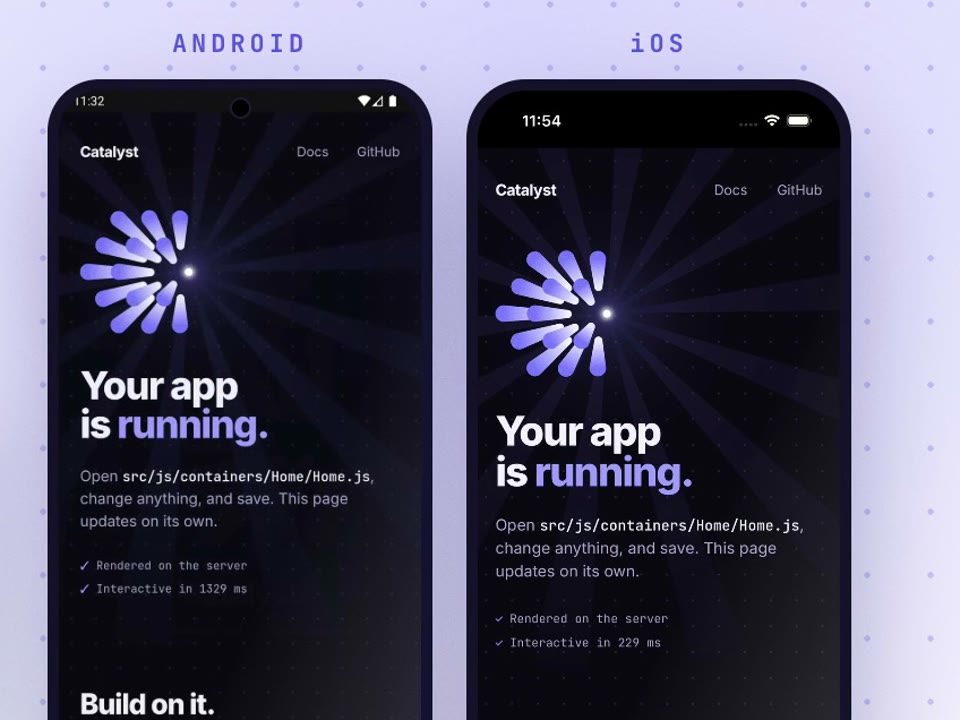
No Android Studio, no Xcode
npm run android and npm run ios check the toolchain and install what is missing after asking, start the dev server when nothing answers, and open the app on an emulator, simulator or phone. Android also saves a debug APK in build-output/android/debug/ that you can share.
 @mayansharma#575
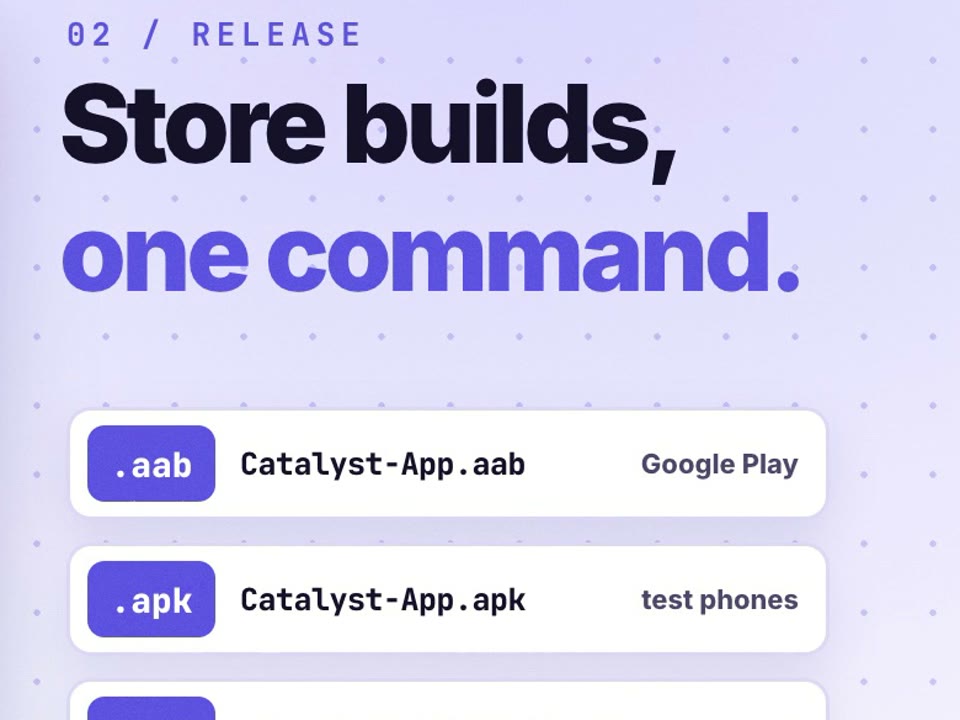
Store builds, one command
npm run android:release writes a signed App Bundle, a signed APK and upload_certificate.pem. npm run ios:release writes a signed IPA and a zip of its dSYMs. A Mac signed in to Xcode needs no signing files, and CI needs one secret per platform from catalyst credentials:export.
@mayansharma#595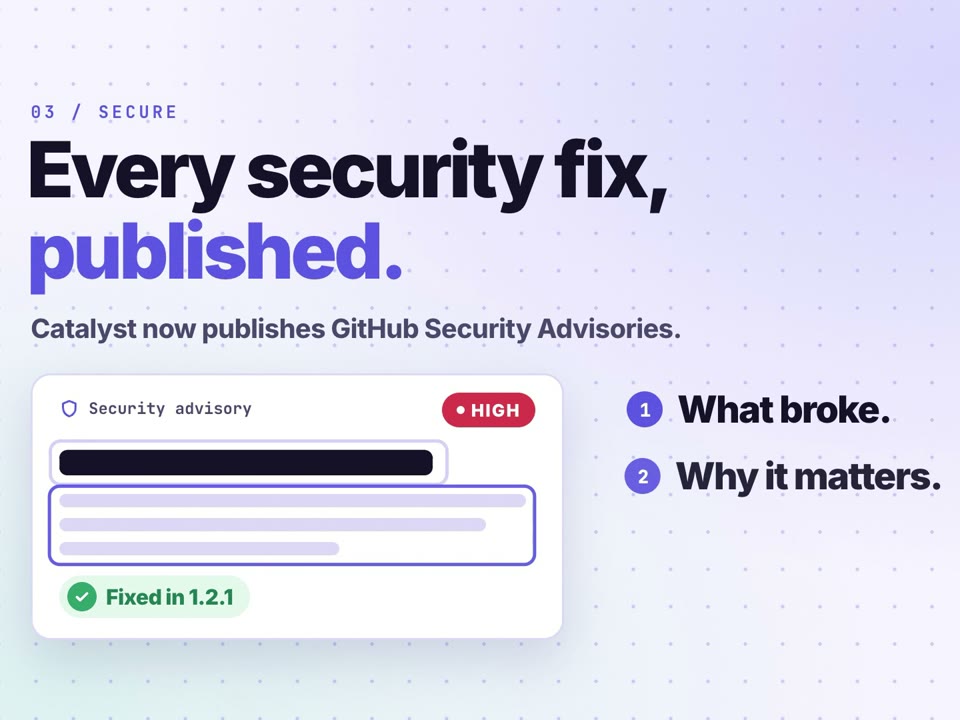
Every security fix, published
Catalyst now publishes GitHub Security Advisories. Each one says what broke, why it matters and which version fixes it.
@mayansharma03 / Goodbye, hello
Goodbye keystore passwords in config, hello credentials/.
Signing files live in credentials/android/ and credentials/ios/, which new apps keep out of git, and the passwords in android.keystoreConfig are no longer used. If you uploaded a build signed with the keystore that shipped in the template, or with a key an earlier release build generated, ask for an upload key reset in Play Console.
@mayansharma#57504 / Also new
Smaller things, sorted.
useIntent()addsopenInBrowser(url), which opens anhttporhttpslink in the default browser, or in the app that owns the link.@mayansharma#618- The Android and iOS apps send
WEBVIEW_CONFIG.appInfoto your server in anX-App-Inforequest header.@mayansharma#618 - iOS with
edgeToEdge.enabledno longer adds the safe-area insets itself, matching Android. Pad the page withuseSafeArea(); content that relied on the automatic inset moves up.@mayansharma#618 - New apps get a new starter page, the animated HTML splash screen on by default, a restyled offline page and a placeholder
public/icon.png.@mayansharma#585 - The template's
server/index.jsexports a stub forpreServerInitand each per-request hook, and startup warns when a hook sits insideexport default {}, where it is never called.@mayansharma#585 - Android apps target API 36 and align their native libraries for 16 KB memory pages.@mayansharma#575
MetaTagwaits for asplit()route's chunk, so the server's head tags stay until the route'ssetMetaDatais ready.@mayansharma#595- Debug builds on a physical iPhone reach the dev server, with one Keychain prompt.@mayansharma#608
- Android AI system prompts without attachment components have regression tests in CI.
 @SpideyPotter#555
The three changes at the top of this list are new in 1.2.1. Everything else on this page first shipped in 1.2.0 on 13 November.
Thank you.
Catalyst 1.2.1 was built by these people.
Questions or ideas? Find us on Discord, X and GitHub Discussions.
Full release notes
useIntent()addsopenInBrowser(url), which opens a link outside the WebView: in the default browser, or in the app that owns the link when one is installed. OnlyhttpandhttpsURLs are accepted; any other scheme fails with an error.- The Android and iOS apps send
WEBVIEW_CONFIG.appInfoin anX-App-Inforequest header, next to theX-Safe-Area-*headers. The header is left out whenappInfois empty. - iOS: with
edgeToEdge.enabled, the WebView no longer adds the safe-area insets itself, matching Android. Pages draw under the status bar and home indicator, so pad them withuseSafeArea(). Apps that relied on the automatic inset will see their content move up.